Press & media kit
PandaDash AAC
A caregiver-locked tablet screen that turns a handful of big, chosen buttons into the only thing a child sees. Built by one parent solving one family's problem — now in closed testing on Google Play.
- Category
- Assistive tech / caregiver kiosk app
- Platform
- Android, via Google Play iOS coming soon
- Status
- Closed testing launching publicly soon — exact date on request
- Pricing
- Free, with a $1.99 one-time Pro unlock no subscription
- Founder
- Samuel Bohon
- Studio
- SamBohon.Digital human + AI marketing studio, Fort Worth, TX
- Built with
- Claude (Anthropic) app, website, and this press kit
- Press contact
- pandaappaac@gmail.com
The story
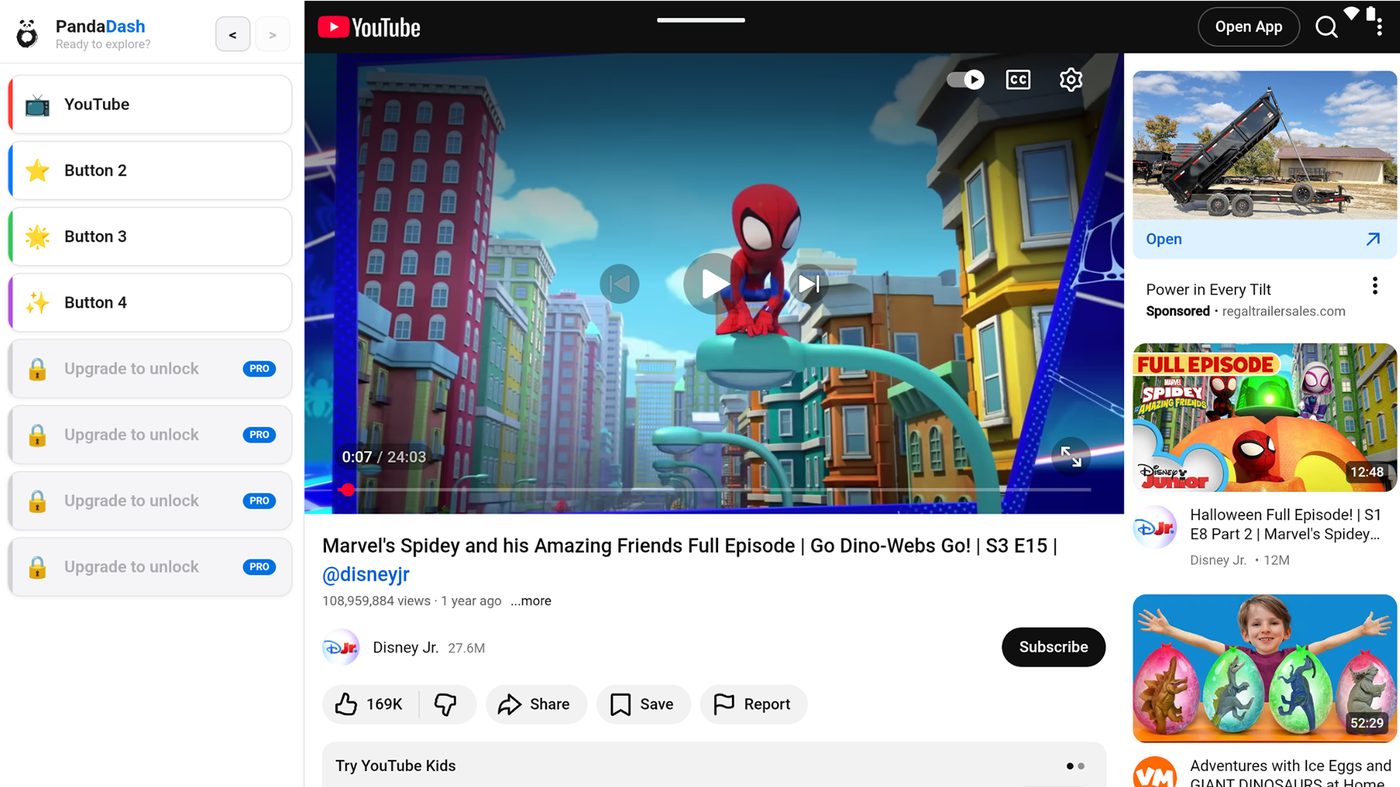
PandaDash started as one parent's fix for a very ordinary problem: handing a tablet to a child who uses AAC, and not immediately regretting it. A regular browser is a minefield of accidental exits, autoplay, and menus little fingers shouldn't find — so the tablet became a screen with a handful of big, labeled buttons and nothing else. Whatever the child actually asks for, and that's it.
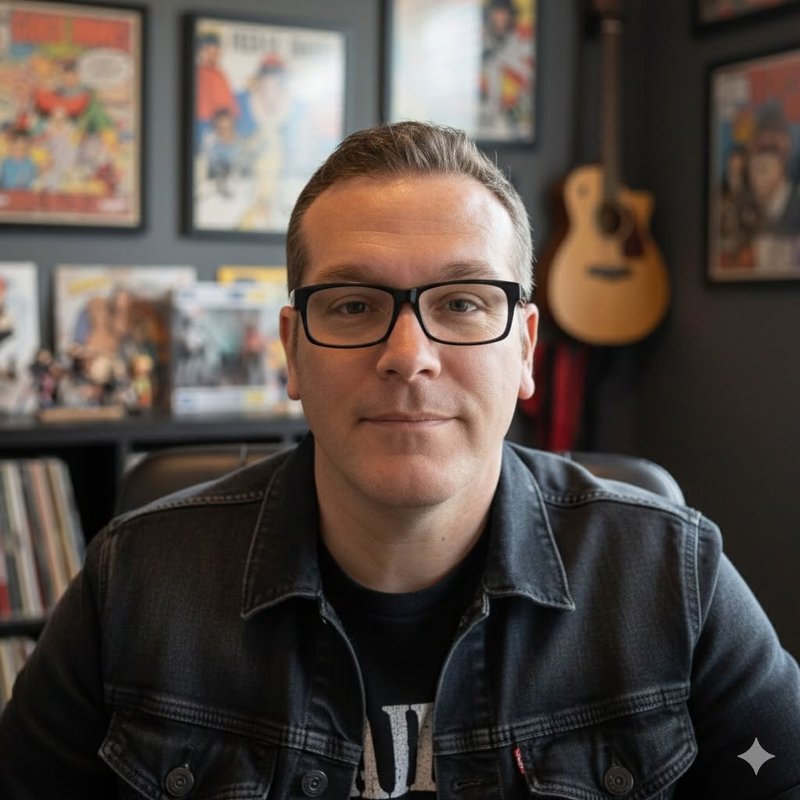
Samuel Bohon runs SamBohon.Digital, a Fort Worth marketing studio built around pairing human strategy with a serious AI toolkit. PandaDash — the app, this website, and this press kit — was built almost entirely inside that same AI-augmented workflow, using Claude end to end. It's less a side project than a working example of what the studio does for clients: a real, shipped product, not a slide deck about "AI strategy."
It's currently in closed testing with real caregivers, ahead of its public Google Play launch.
What it does
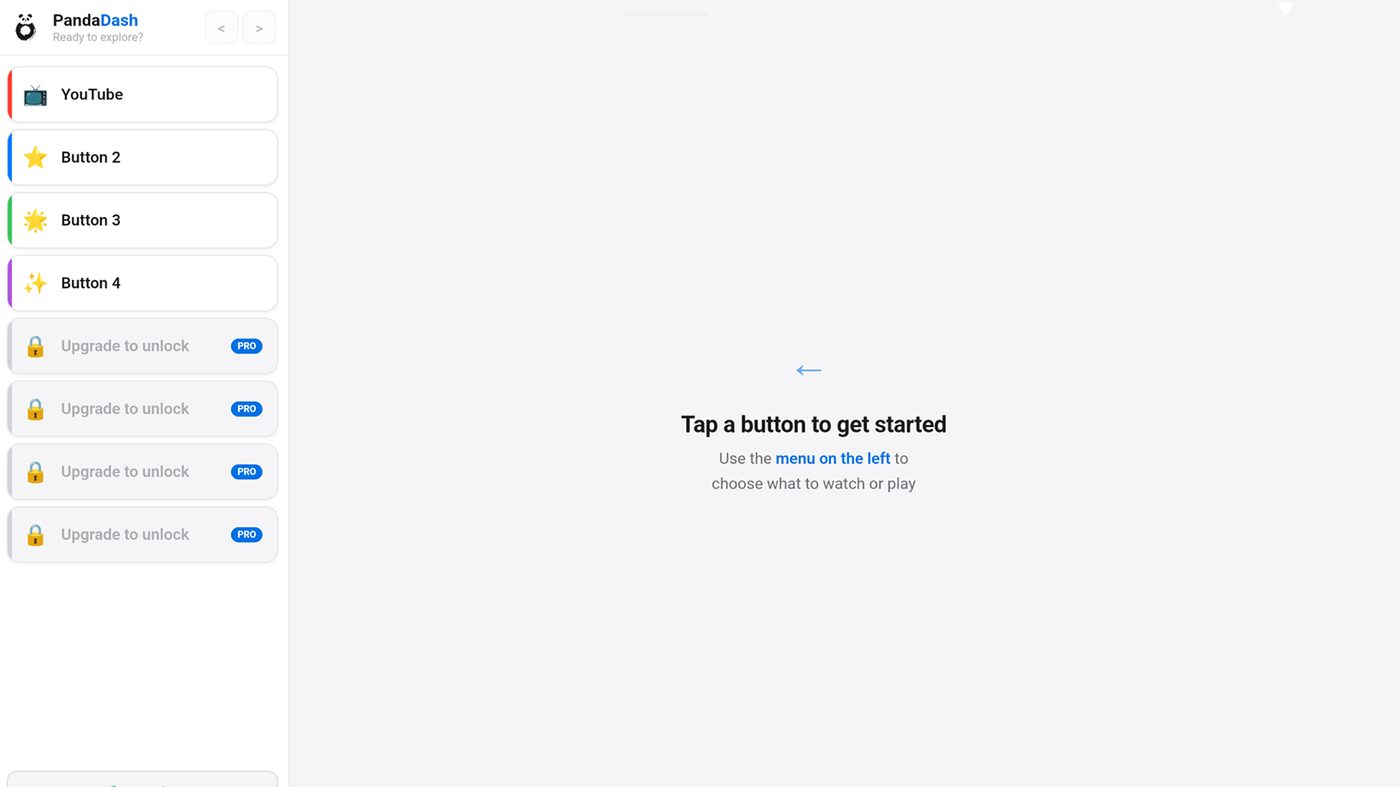
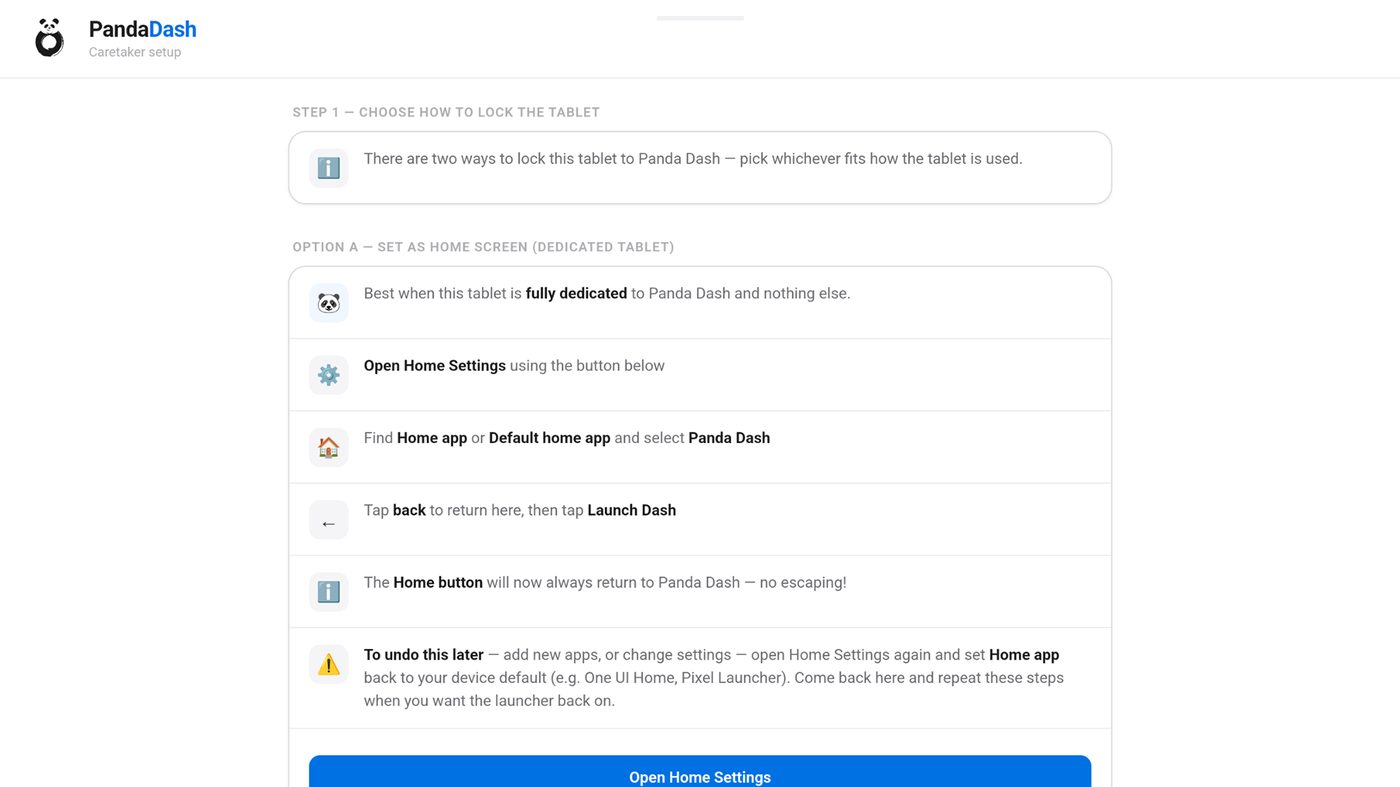
- Caregiver-controlled setup screen, locked behind a simple caretaker gate
- Free tier: a YouTube button plus 3 configurable buttons. Pro ($1.99, one time): 8 buttons to any site
- Works as a home-screen launcher or with Android Screen Pinning
- No subscription, no account, no data collected from the people using it
"I built PandaDash so handing someone a tablet could go back to being simple — they ask for what they want, and that's exactly what they get. Nothing else in the way."
— Samuel Bohon, founder, PandaDash AAC
A note on positioning
Screenshots
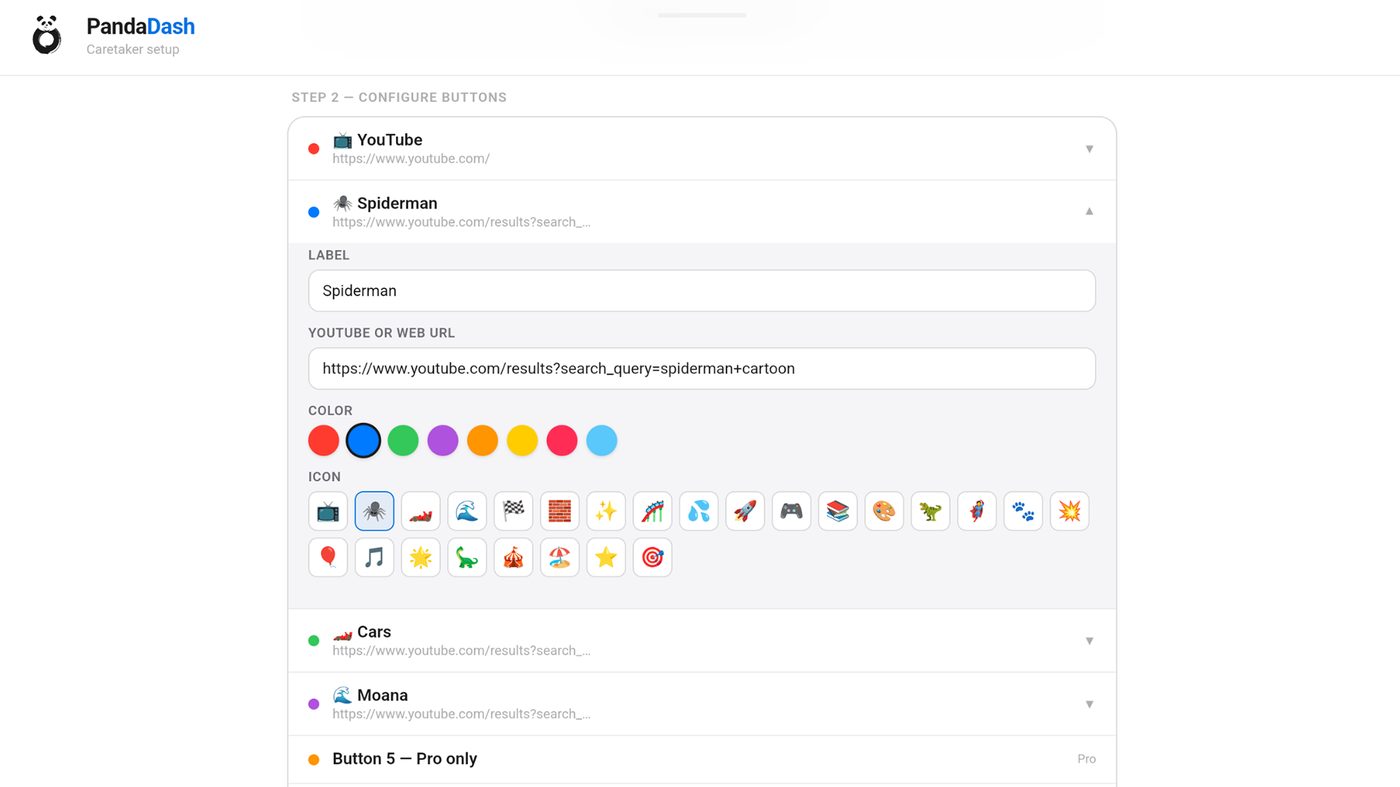

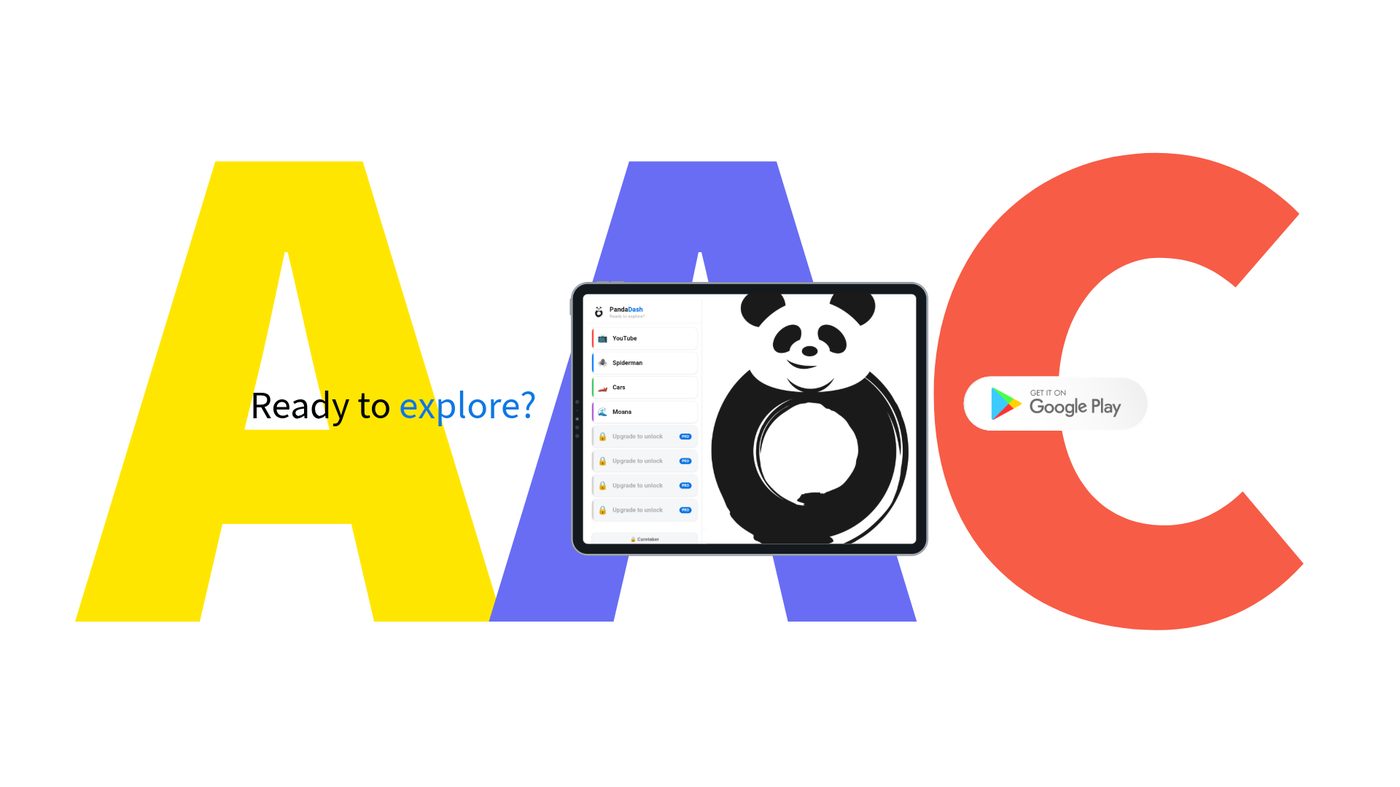
Need something not listed here — higher resolution, a different crop, anything else? Email pandaappaac@gmail.com and we'll get it to you.