Who is PandaDash for?
PandaDash is built for caregivers managing a person's secondary tablet — the one used for shows, games, and downtime, not the device running an AAC communication program. Most AAC users already have a dedicated device locked to their AAC software; PandaDash brings that same calm, locked-down approach to the other tablet, the one for YouTube, PBS Kids, or a handful of go-to sites. It's useful for non-verbal children, AAC users of any age, adults with cognitive or sensory needs, or anyone who benefits from a simpler screen — but it's not limited to AAC families either.
Is PandaDash an AAC device?
No. PandaDash isn't a communication device, a symbol-based AAC app, or a replacement for someone's existing AAC system. It's built for the other tablet — the one for entertainment and downtime — so that device can be just as simple and caregiver-controlled as the AAC device already is.
How does PandaDash work?
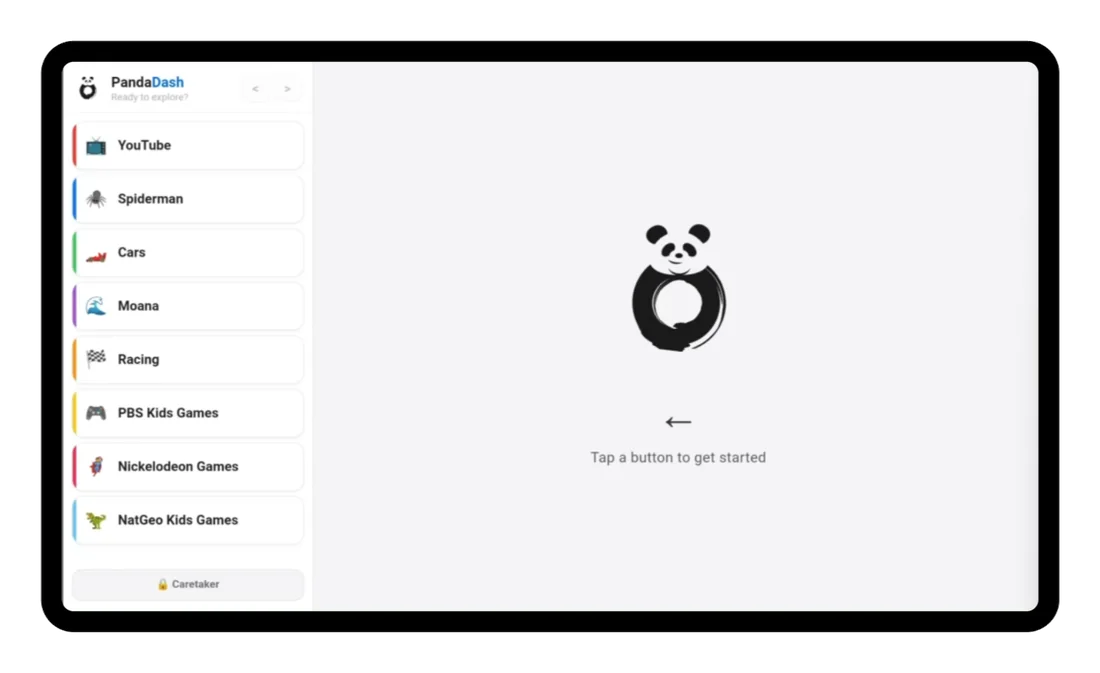
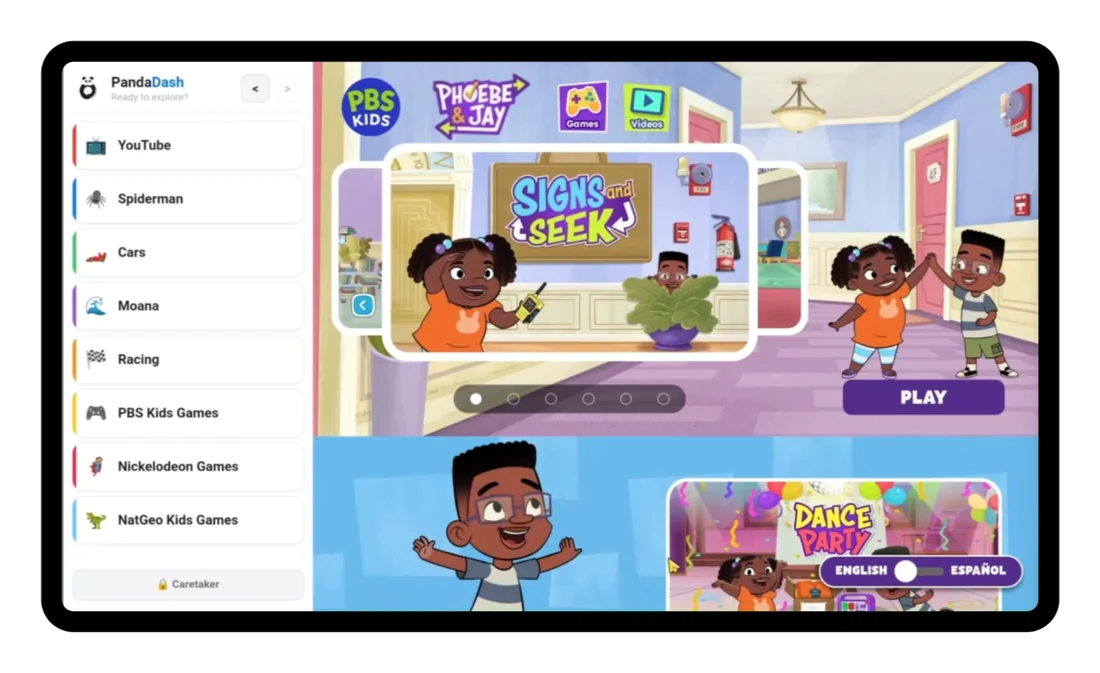
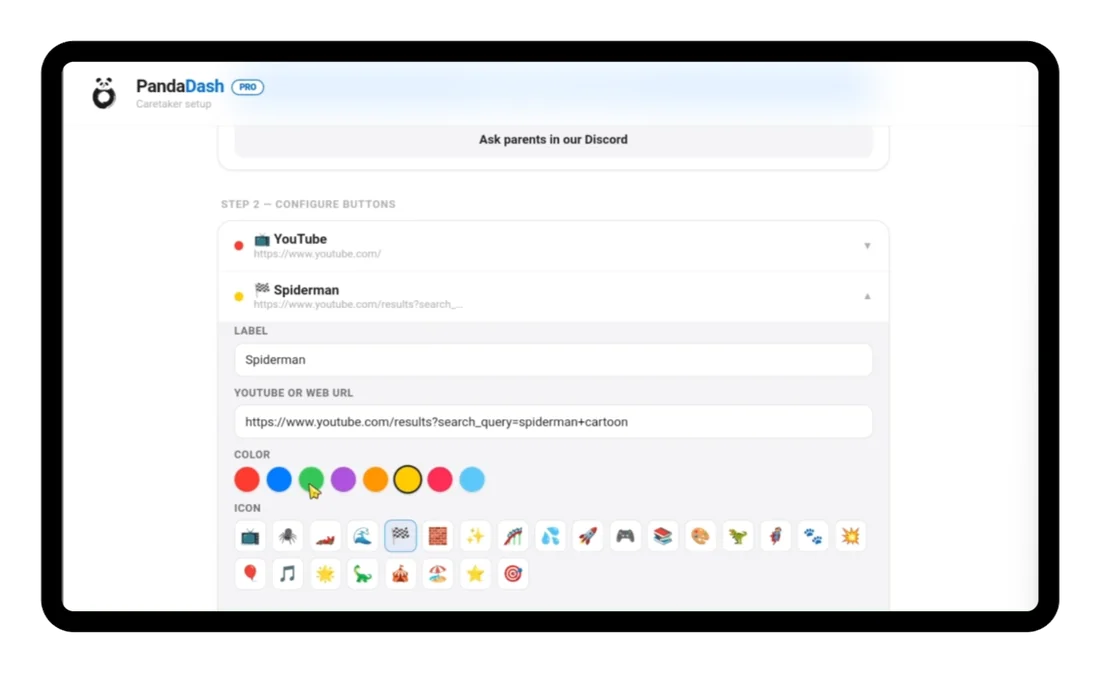
PandaDash loads the web version of sites like YouTube and gives you, the caregiver, control over which pages are accessible. You set up a handful of buttons in the setup screen, then hand the tablet over — the person using it sees only those buttons, nothing else.
Is PandaDash a launcher, or does it just sit on top of other apps?
You choose. Option A sets PandaDash as the device's home screen, ideal for a tablet that's fully dedicated to this purpose. Option B uses Android's built-in Screen Pinning instead, which is better if the tablet is shared with others or you still want quick access to other apps.
What's the difference between Free and Pro?
Free includes a YouTube button plus three configurable buttons (YouTube links only). Pro unlocks all eight buttons and lets you link to any website, not just YouTube. Pro is a one-time $1.99 purchase, not a subscription.
Why can't I use YouTube Kids?
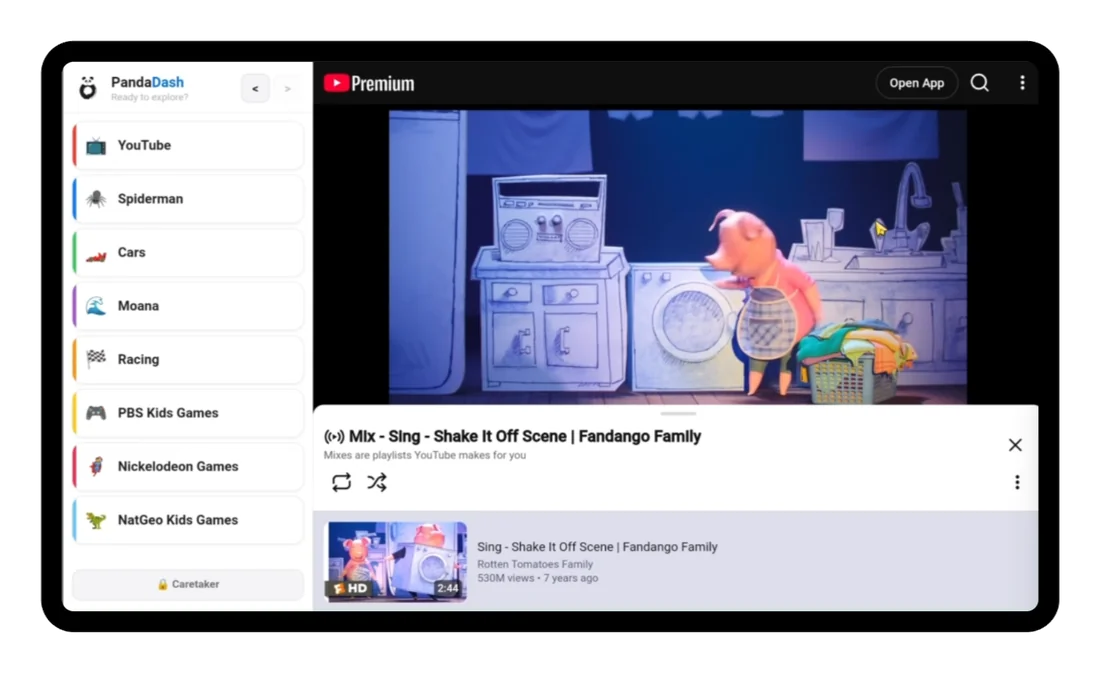
YouTube Kids actively blocks browser-based apps like PandaDash from running on top of it, so it isn't supported. We recommend regular YouTube with Restricted Mode turned on, and Google Family Link for stronger parental controls.
Does PandaDash block ads on YouTube?
No — we don't control YouTube's behavior, including ads. If ad content is a concern, a YouTube Premium subscription removes ads entirely and is the most reliable way to keep that content out.
How do I get back into the setup screen?
Tap the Caretaker button and answer the simple math question. This keeps the setup screen safely out of reach of the person using the tablet.
Is PandaDash affiliated with YouTube or Google?
No. PandaDash is an independent app and is not affiliated with, endorsed by, or associated with YouTube, Google, or any other site it can load. We don't control how those sites behave.
What if something isn't working right?
Email pandaappaac@gmail.com — that's the most direct way to reach us with a bug, a question, or anything else. You're also welcome to join our Discord if you'd rather talk with other caregivers and testers too.
What if I want a refund?
Pro purchases go through Google Play and follow Google Play's standard refund policy. We don't process payments or refunds directly — Google handles that on our behalf.